



Synthesis Scanners are one of the most useful tools in Warframe. They help players scan enemies, complete Simaris missions, and earn valuable Standing. However, many players often run out of them during important missions. If you are wondering how to get more Synthesis Scanners, this complete guide will help you easily.
Introduction to Synthesis Scanners
Before learning how to get more Synthesis Scanners, it’s important to understand what they are.
Synthesis Scanners are special scanning devices sold by Cephalon Simaris. They are used to scan targets and collect data for Simaris. Unlike Codex Scanners, these scanners can earn you Simaris Standing for every successful scan.
Therefore, they are essential if you want to progress through Simaris ranks and unlock unique rewards.
Why You Need More Synthesis Scanners
In Warframe, scanners are used frequently during daily missions. Each scan consumes one charge from your Synthesis Scanner. If you are working on Simaris Standing or daily objectives, you can run out quickly.
Knowing how to get more Synthesis Scanners ensures that you never have to stop mid-mission.
Additionally, failed scans also waste charges, which makes having extras even more important.
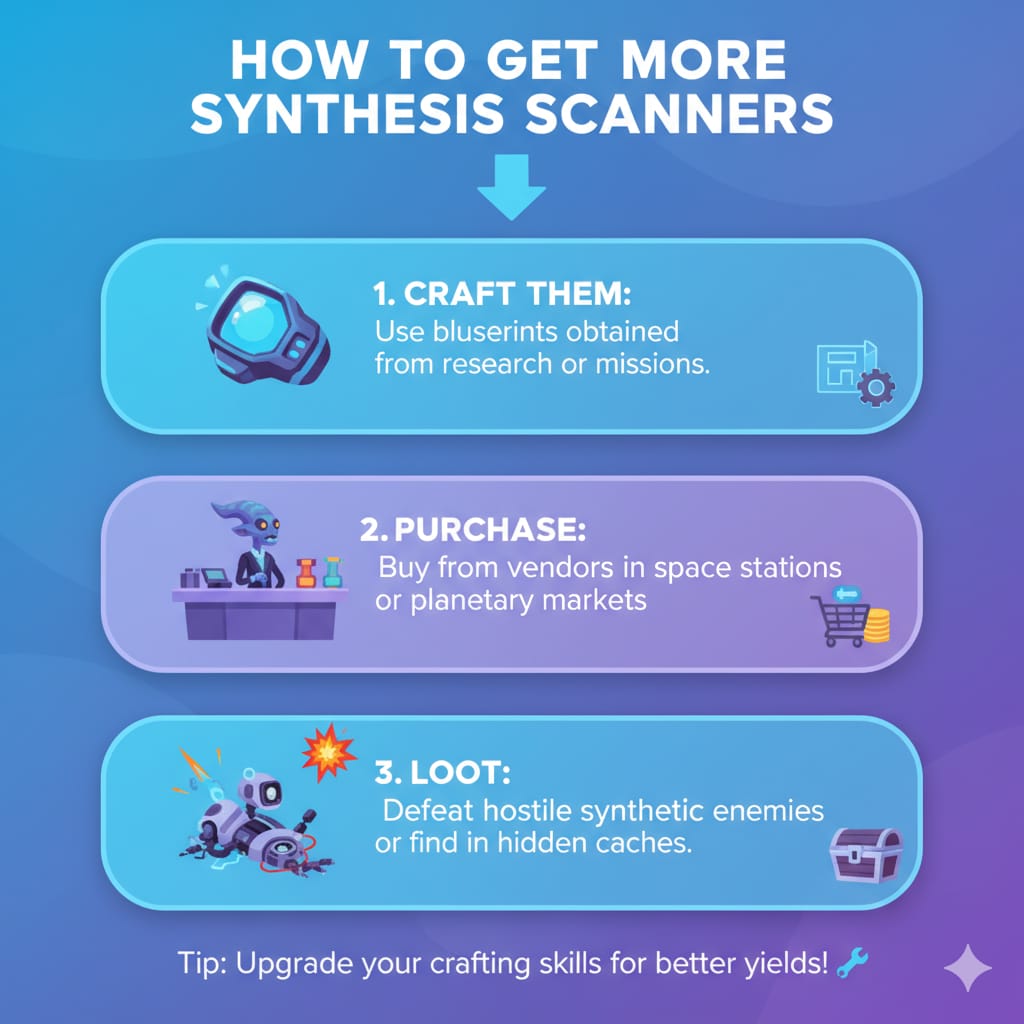
Where to Get Synthesis Scanners
Learning how to get more Synthesis Scanners starts with knowing where to buy them.
The main source of these scanners is Cephalon Simaris. You can find him at any Relay in Warframe.
Once you enter a Relay, use Fast Travel to reach Simaris instantly.
When you reach him, open the Simaris store. Scroll down until you see Synthesis Scanners in the list.
Each pack costs 500 Simaris Standing and gives you 25 scanners. Make sure you have enough Standing before purchasing.
Tips to Earn More Simaris Standing
Standing is the main currency used by Cephalon Simaris. Without enough Standing, you cannot buy scanners or other useful upgrades.
Therefore, understanding how to earn more is key to knowing how to get more Synthesis Scanners efficiently.
1. Complete Daily Simaris Missions
Every day, Simaris gives a unique scanning mission. Completing these missions rewards you with a large amount of Standing. They are the fastest way to increase your balance.
2. Scan Enemies Using Synthesis Scanners
You can also scan regular enemies in missions. Each scan provides bonus Standing, even outside of Simaris tasks. This method is slow but still effective when missions are unavailable.
3. Use Helios Sentinel with Simaris Scanner Mod
Helios is a Sentinel companion that can scan automatically. When equipped with the Simaris Scanner mod, it scans enemies during combat. This helps you earn Standing passively while fighting.
Consequently, you gather both experience and Standing at the same time.
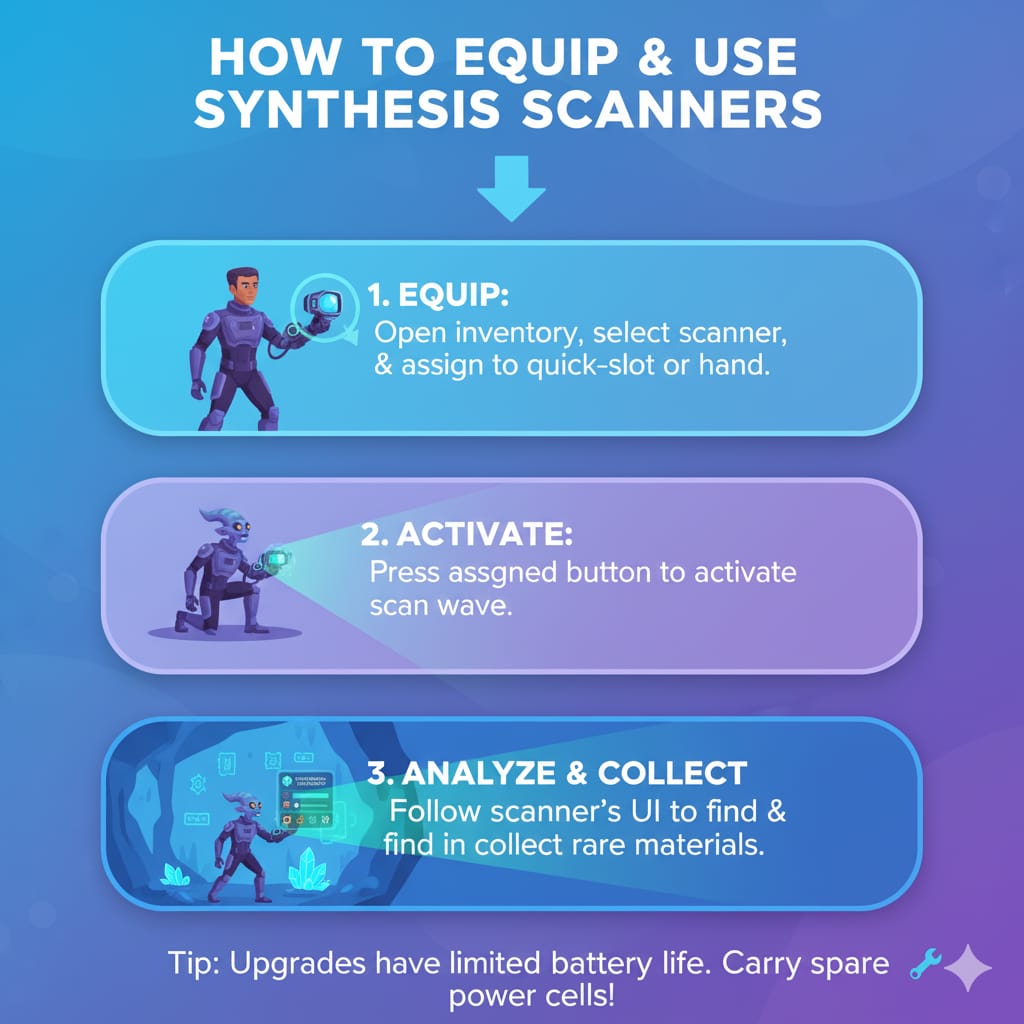
How to Equip and Use Synthesis Scanners
Once you know how to get more Synthesis Scanners, you must also know how to use them correctly.
Open your Arsenal and select the Gear section. Add Synthesis Scanners to your Gear Wheel for quick access. This allows you to equip them easily during missions.
During gameplay, press the gear shortcut key to select the scanner. Aim at your target and hold the button to start scanning. Keep the crosshair steady until the target turns blue. Releasing early wastes charges, so always complete the scan properly.
Ways to Save Scanner Charges
Even if you understand how to get more Synthesis Scanners, saving them is equally important.
Here are a few practical tips to avoid unnecessary waste:
Be Precise When Scanning
Always scan from the front or side of the enemy. Avoid scanning from behind, as it may result in a failed scan.
Precise positioning saves scanner charges and time.
Use the Cross-Matrix Widget
The Cross-Matrix Widget can double your scan progress. With this upgrade, you need fewer scans to complete targets.
Therefore, it helps conserve your scanner stock.
Avoid Scanning Completed Targets
Before scanning, check if the target is already in your Codex.
If it is, skip it to avoid wasting charges.
Efficiency is the key when learning how to get more Synthesis Scanners and using them wisely.
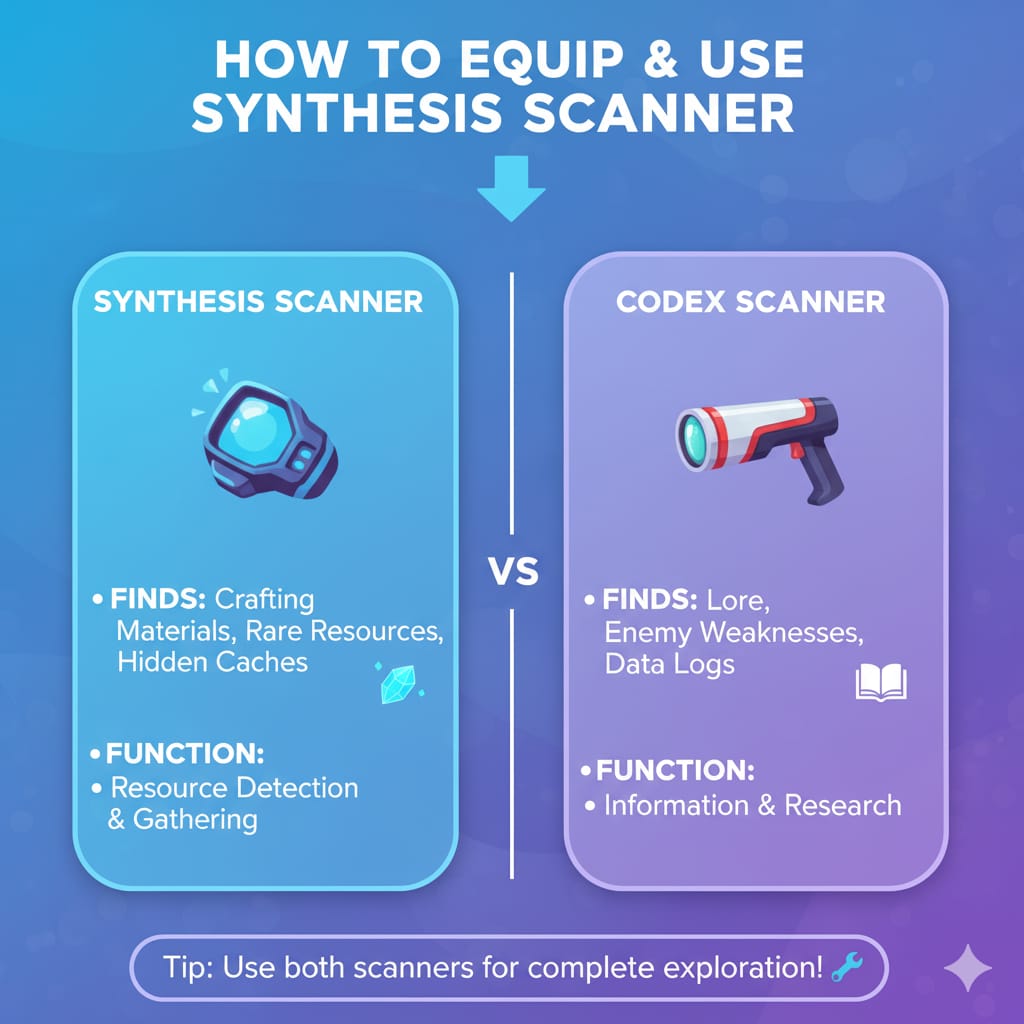
Difference Between Synthesis and Codex Scanners
Many players confuse these two scanners. Codex Scanners are general tools for collecting Codex entries.
However, they cannot be used in Simaris missions. Synthesis Scanners are specifically designed for Simaris targets. They also give Standing rewards for each successful scan.
Therefore, always use Synthesis Scanners for Simaris-related tasks.
Can You Craft Synthesis Scanners?
Unfortunately, Synthesis Scanners cannot be crafted in the Foundry. The only method to obtain them is through Cephalon Simaris. This is why learning how to get more Synthesis Scanners is essential for every player. You must rely on Standing and the Simaris store to keep your stock full.
Other Items You Can Buy from Simaris
Besides Synthesis Scanners, Simaris sells many useful items. These include weapon blueprints, Warframe parts, and scanner upgrades. However, scanners should be your top priority if you are running low.
Without them, you cannot progress in his missions or earn rewards.
Best Times to Stock Up on Scanners
Timing matters when managing your resources. After completing daily Standing goals, use the remaining points to buy scanners. This ensures you always have a backup supply.
Also, before starting a Synthesis Target mission, double-check your scanner count.
How Many Synthesis Scanners Should You Carry?
There is no fixed rule, but preparation helps. Most players prefer carrying at least 100 scanners at all times.
Active players who complete multiple missions may carry 200–300. This prevents shortages during long farming sessions.
Knowing how to get more Synthesis Scanners is helpful only if you also manage your stock wisely.
What Happens If You Run Out Mid-Mission?
Running out of scanners mid-mission can be frustrating. You cannot complete the Synthesis target scan without them. The only solution is to abort or restart the mission later.
Therefore, always check your inventory before starting. Proper planning saves time and avoids mission failure.
Can You Trade Synthesis Scanners?
Unfortunately, scanners cannot be traded between players. You must earn them yourself through Simaris Standing. Because of this limitation, learning how to get more Synthesis Scanners is crucial.
It ensures you stay independent and prepared for every challenge.
Can You Use Synthesis Scanners in Sanctuary Onslaught?
Yes, you can use them in Sanctuary Onslaught missions. However, scanning in this mode can be tricky due to fast-moving enemies.
If possible, scan targets in slower missions for better accuracy.
Frequently Asked Questions (FAQ)
1. How to get more Synthesis Scanners without spending Platinum?
You can buy Synthesis Scanners from Cephalon Simaris using Standing. No Platinum or real money is required.
2. How much do Synthesis Scanners cost?
Each pack of 25 scanners costs 500 Simaris Standing. The price is fixed and cannot be discounted.
3. How do I increase my daily Standing cap?
Complete more Mastery Ranks. Higher ranks increase your daily Standing limit, allowing you to buy more scanners.
4. Do Synthesis Scanners work on all enemies?
Yes, they work on almost all enemies in Warframe. However, they are mainly used for Synthesis target scans.
5. How do I find a Synthesis target?
Open your Simaris mission details to see the location. Use the scanner’s sound cues to track the target during missions.
6. Can I use Helios to scan Simaris targets?
Yes, Helios with the correct mod can scan them automatically. It’s a great option for earning Standing passively.
7. What happens if I have zero Standing?
You cannot buy scanners until you earn more Standing. Complete missions or scan enemies to rebuild your points.
Final Thoughts
Now you know everything about how to get more Synthesis Scanners in Warframe.
Always visit Cephalon Simaris regularly and keep your Standing high. Buy scanners in bulk whenever possible to avoid shortages. Use them wisely, scan carefully, and take advantage of Standing rewards.
Synthesis Scanners are vital for Warframe progression, achievements, and Simaris ranks.
So, keep your scanners stocked, your missions ready, and scan with confidence every time.
